
How to navigate patient page
In this guide, you will learn:
- How to navigate patient page
- How to acknowledge attention flags
- How to view the Timeline
- How to subscribe to assessment notifications
- How to move an assessment to the bin
How to navigate patient page
Open the assessment by clicking on the patient’s name.
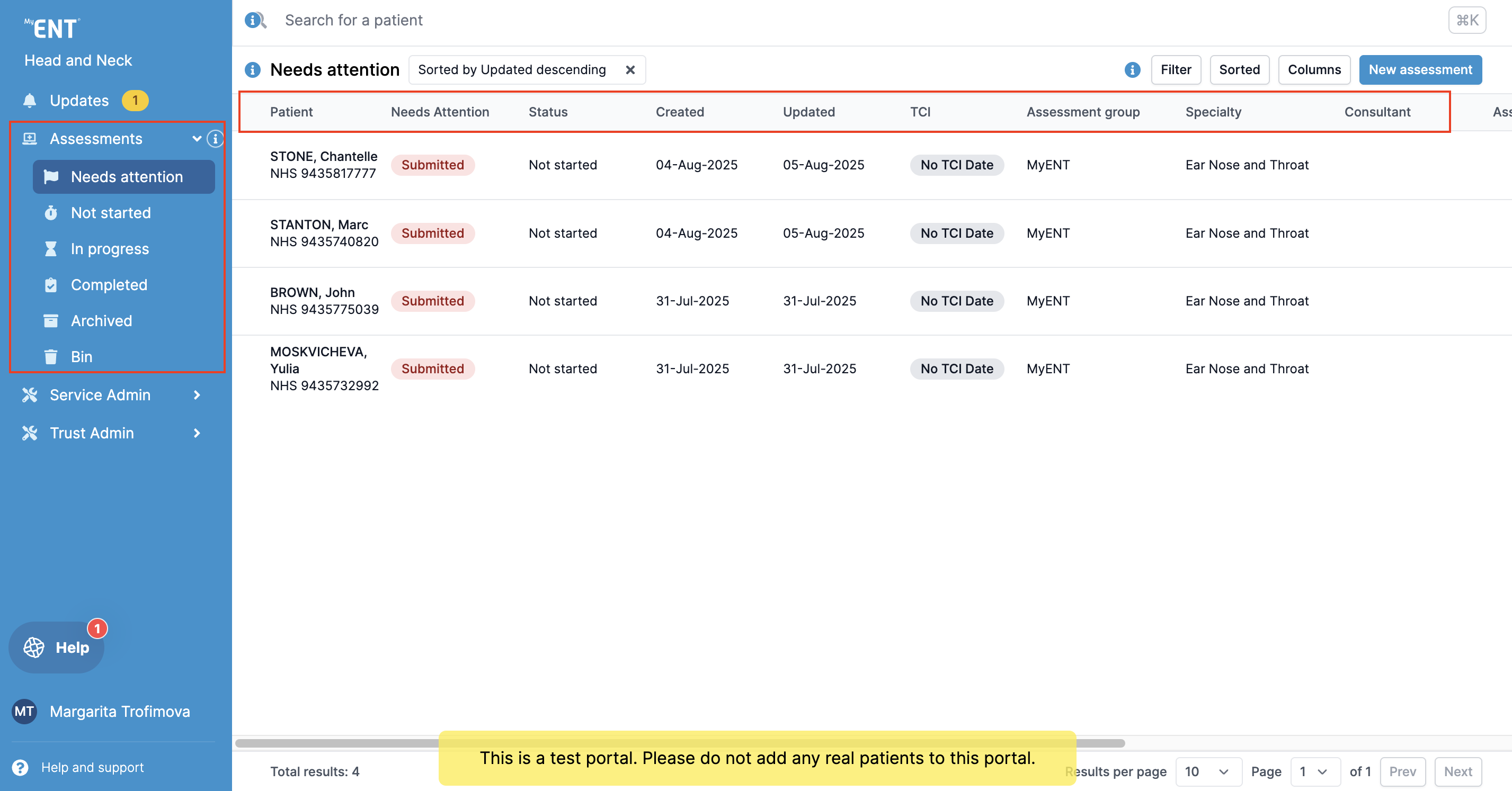
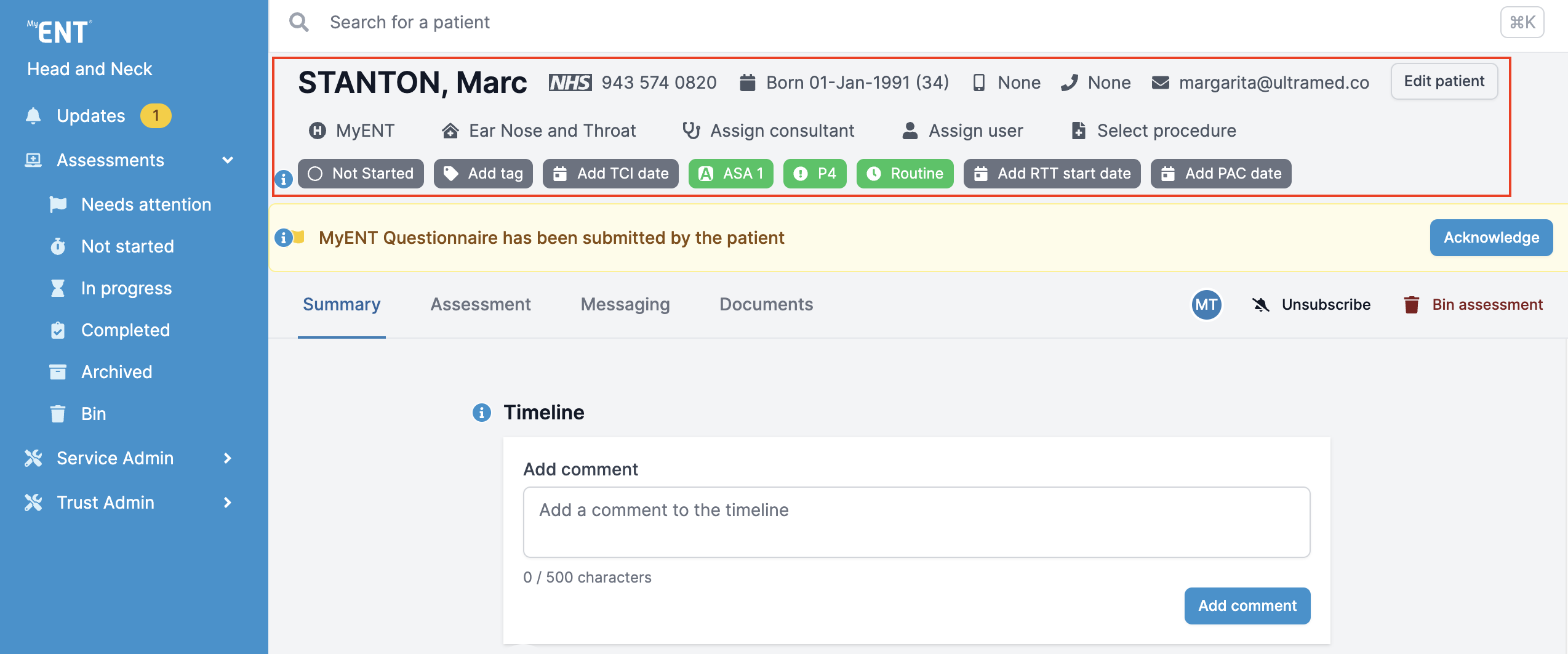
Once open, you will be able to view the patient's demographics, Assessment Group, Specialty, Consultant, and User Assigned. You will also be able to change assessment's folder, add tag, view TCI date, ASA grade, Priority, Referral Priority, RTT and PAC date.
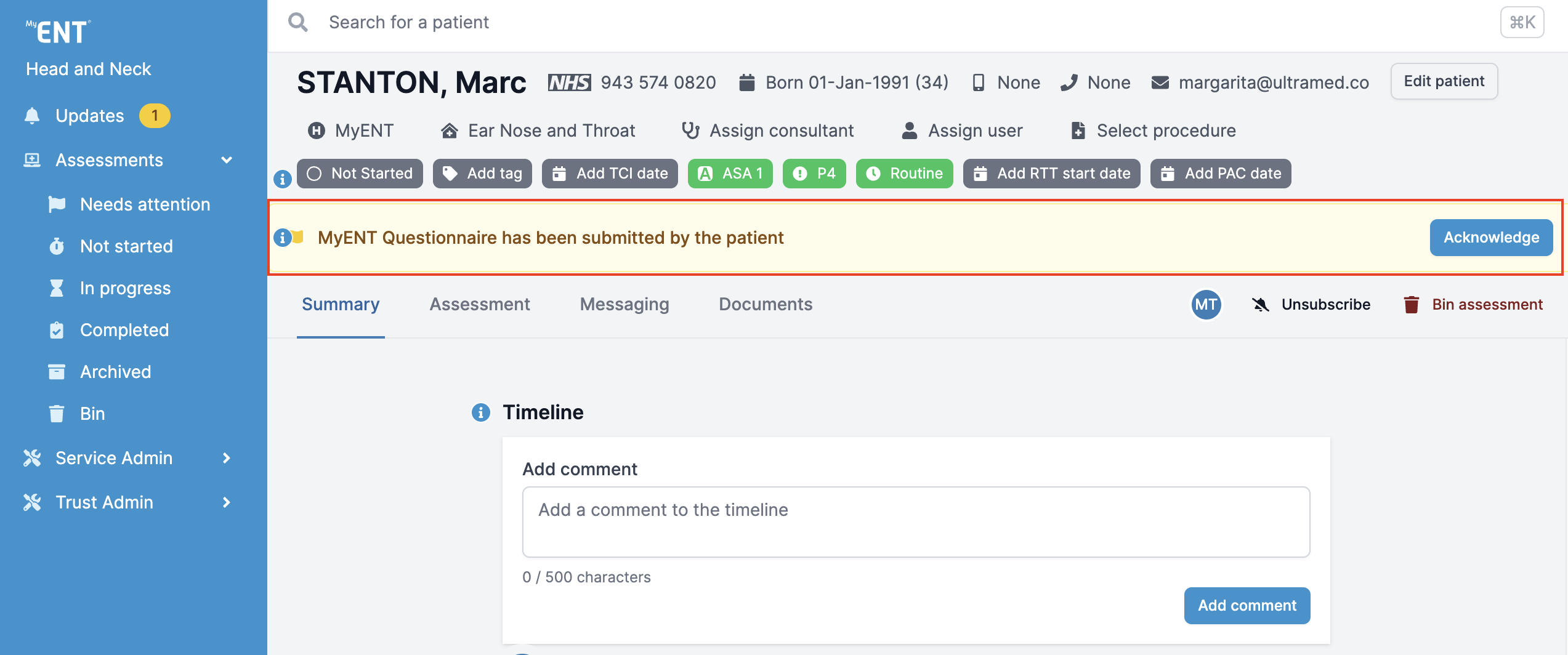
How to acknowledge attention flags
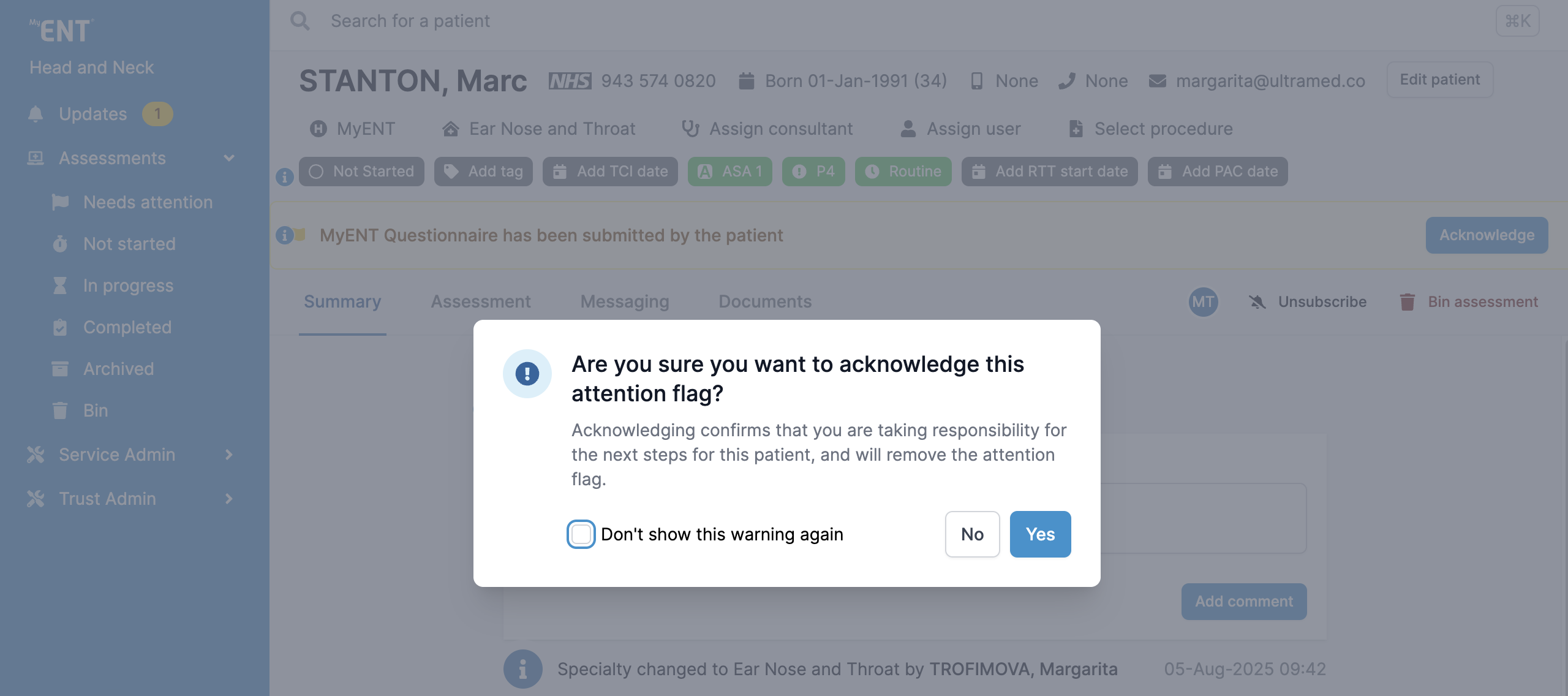
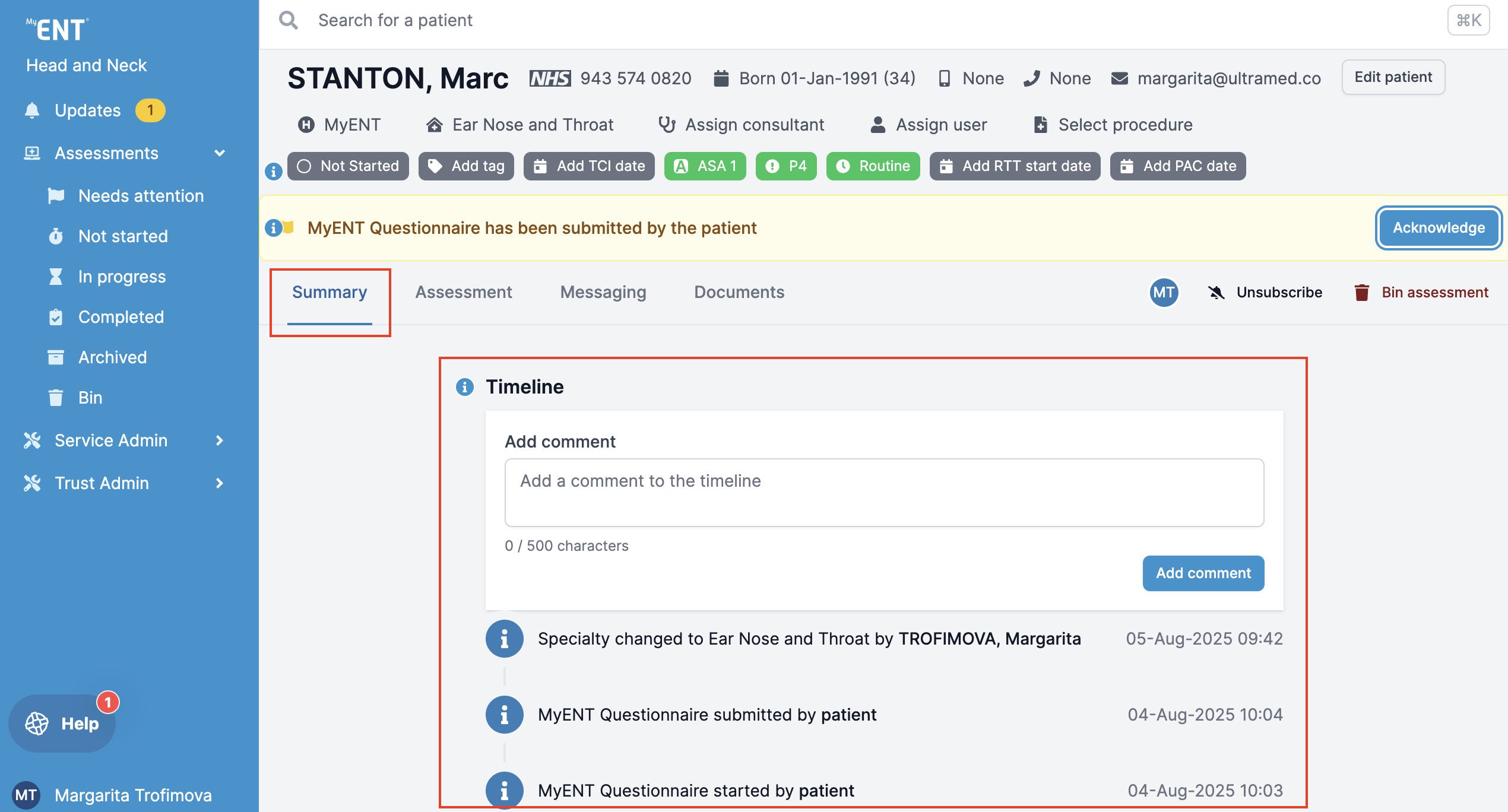
Any outstanding actions will appear in amber banners as an attention flag. To acknowledge an attention flag, click on "Acknowledge" on the right-hand side. Your acknowledgement will be reflected in the Timeline.
How to view the Timeline
The assessment Timeline can be found in the Summary tab of the patient page. The Timeline allows you to view logs of every action associated with the assessment as well as leave comments.
How to subscribe to assessment notifications
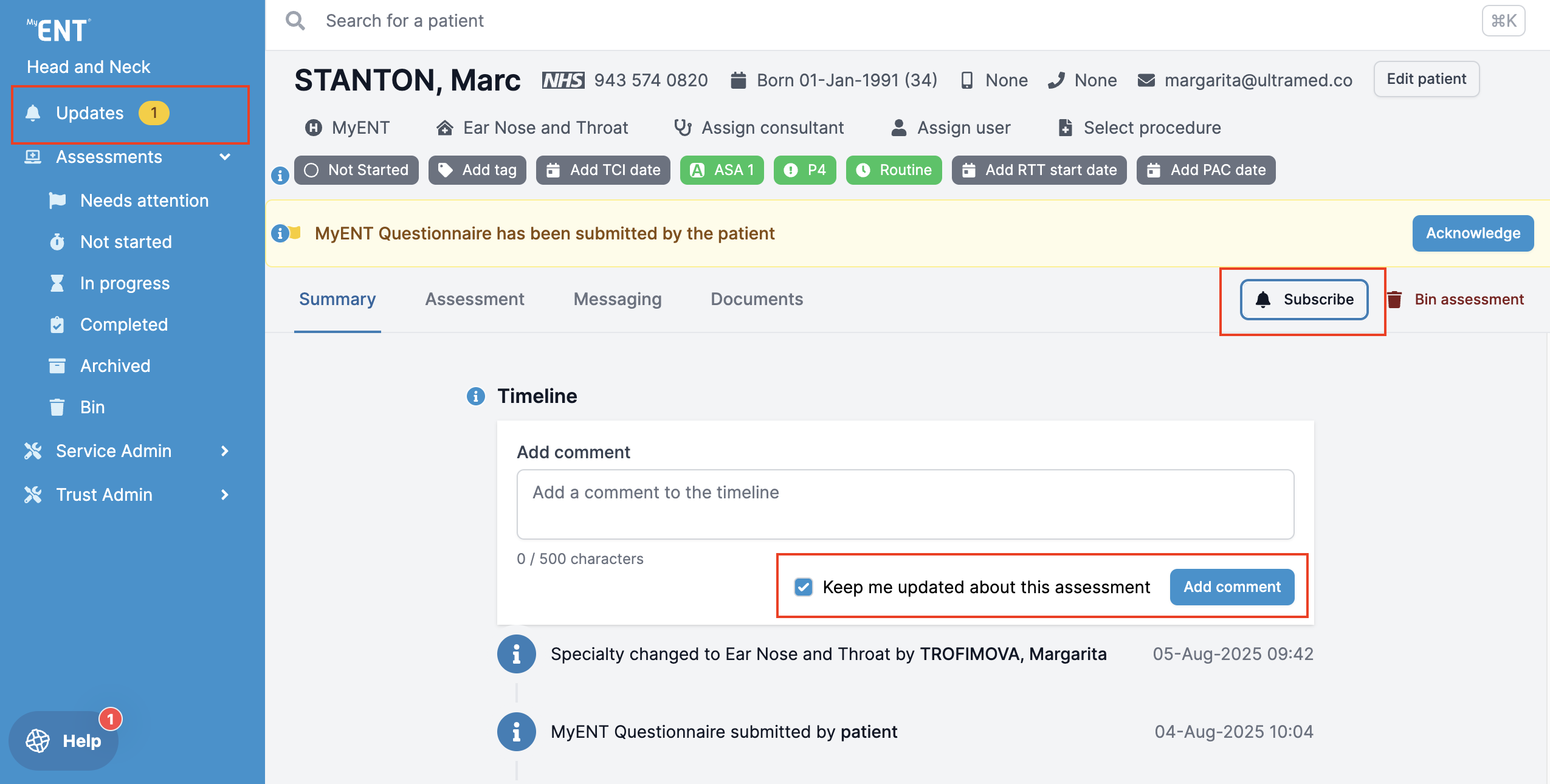
You can receive notifications about patient assessments by subscribing to them in the Updates section. To subscribe to an assessment, click the "Subscribe" button or assign the patient to yourself. You will receive notifications for the following in the Updates section on the left-hand side:
- An assessment being assigned to you
- A new comment being added to the timeline of an assessment you are subscribed to
- A change of tag on an assessment you are subscribed to
A settings panel in the notification centre to allow you to switch off notifications for these events.
How to move an assessment to the Bin
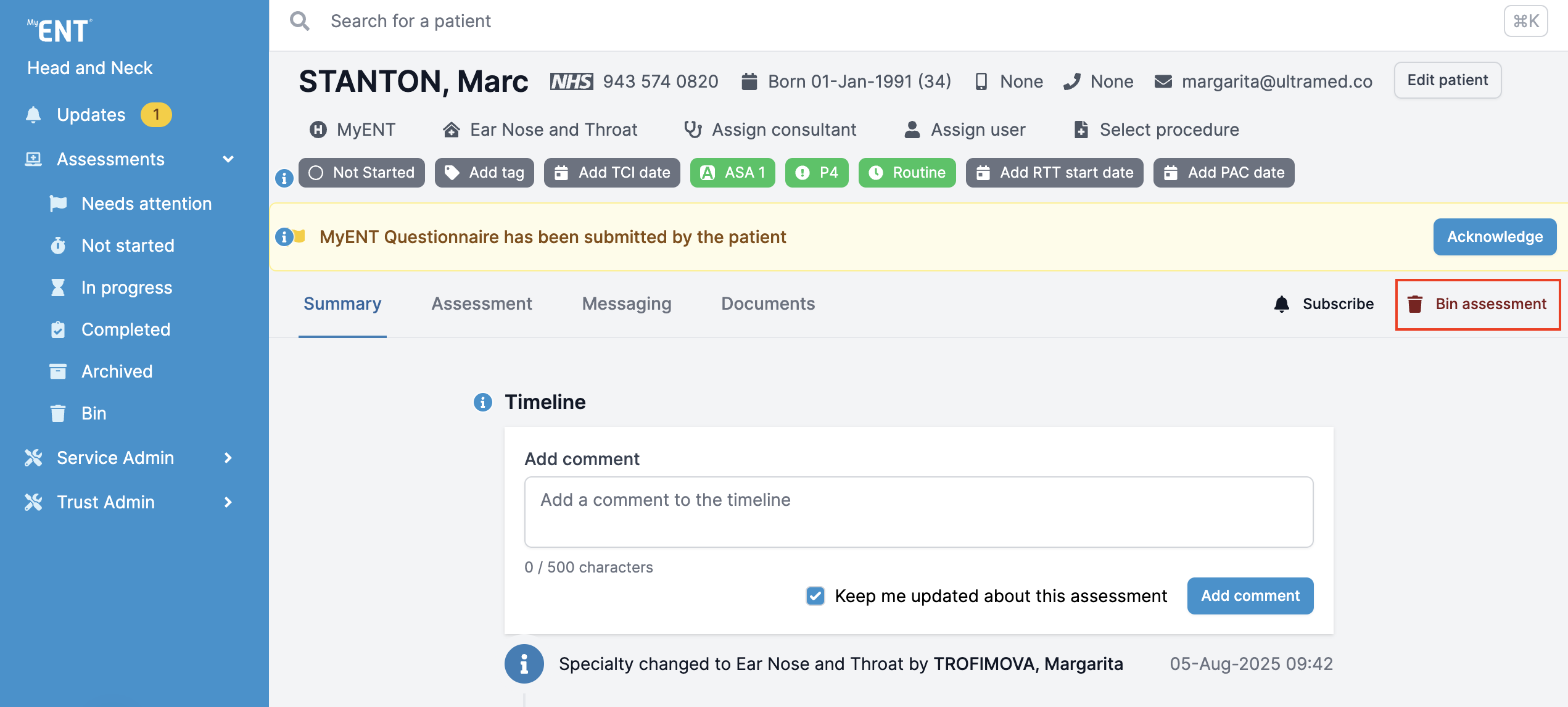
To move an assessment to the Bin folder, click on the "Bin assessment" button on the right-hand side.
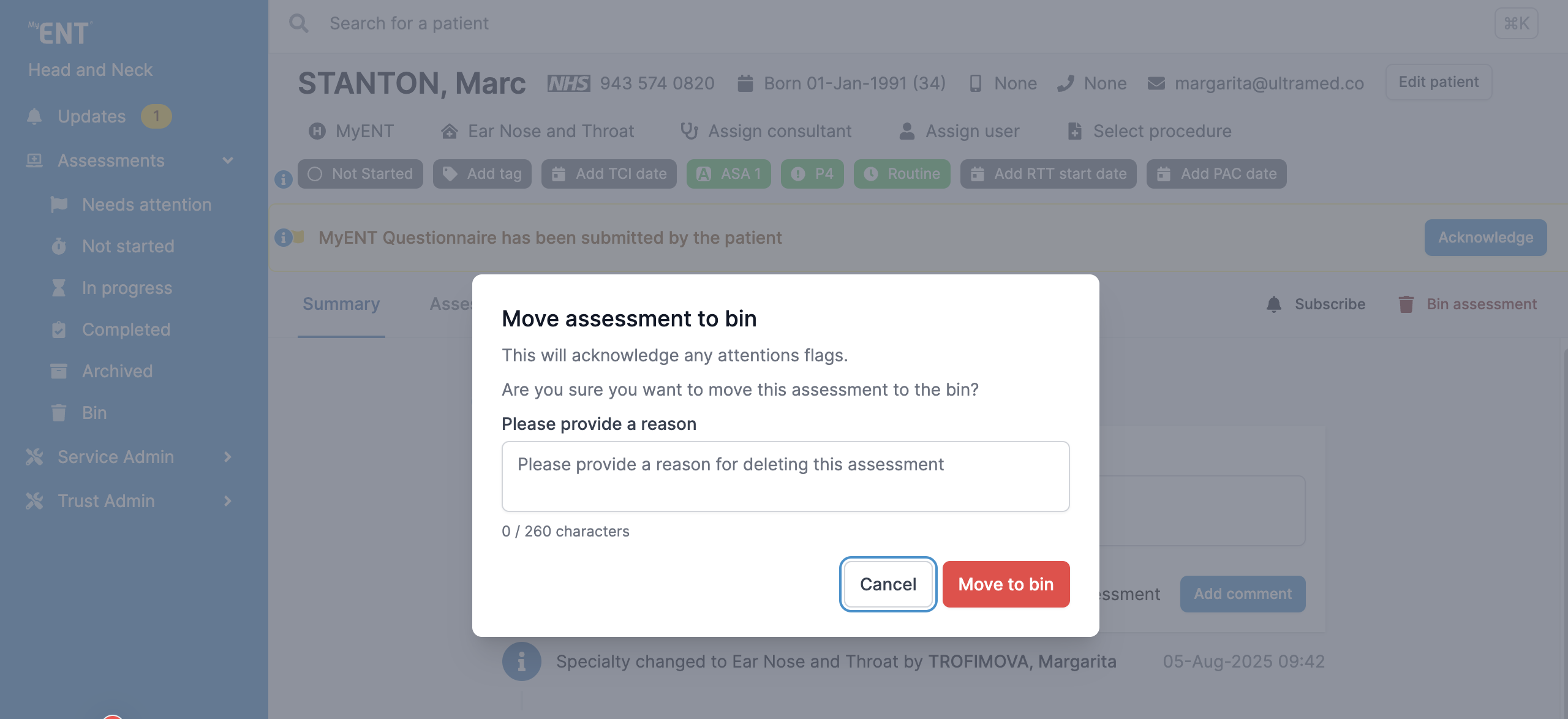
You will be required to provide a reason for binning the assessment.
You will be able to view the assessment details in the Bin folder.
Please note that due to individual portal configurations, some features might look different in your live portal.