How to add users to Consultant or Assigned columns
By ticking the “Consultant” box, you will add the user to the Consultant list in the main dashboard
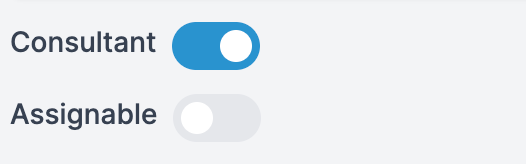
By ticking the “Assignable” box, you will add the user to the “Assigned” list.
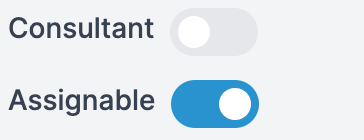
*Users can be added to both lists if needed.
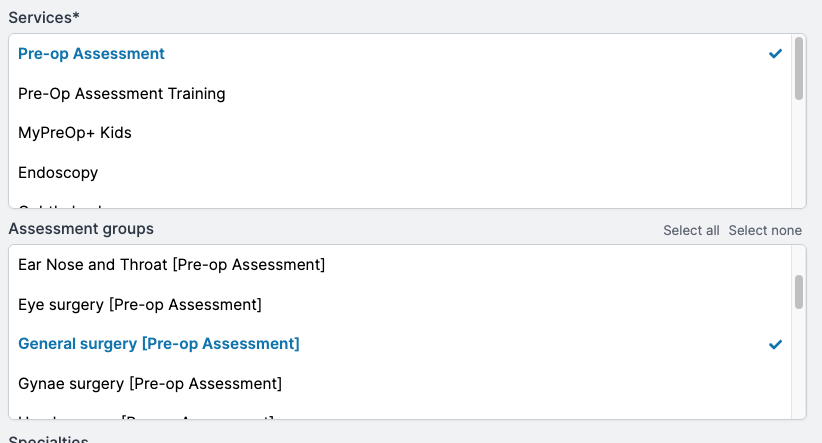
Services and Assessment groups need to be selected for the user. This will determine the user groups the consultant and/or assigned user will be visible to.